Reference · Level 2 · one of the five
Operations: the deployment board that knows what is covered tonight
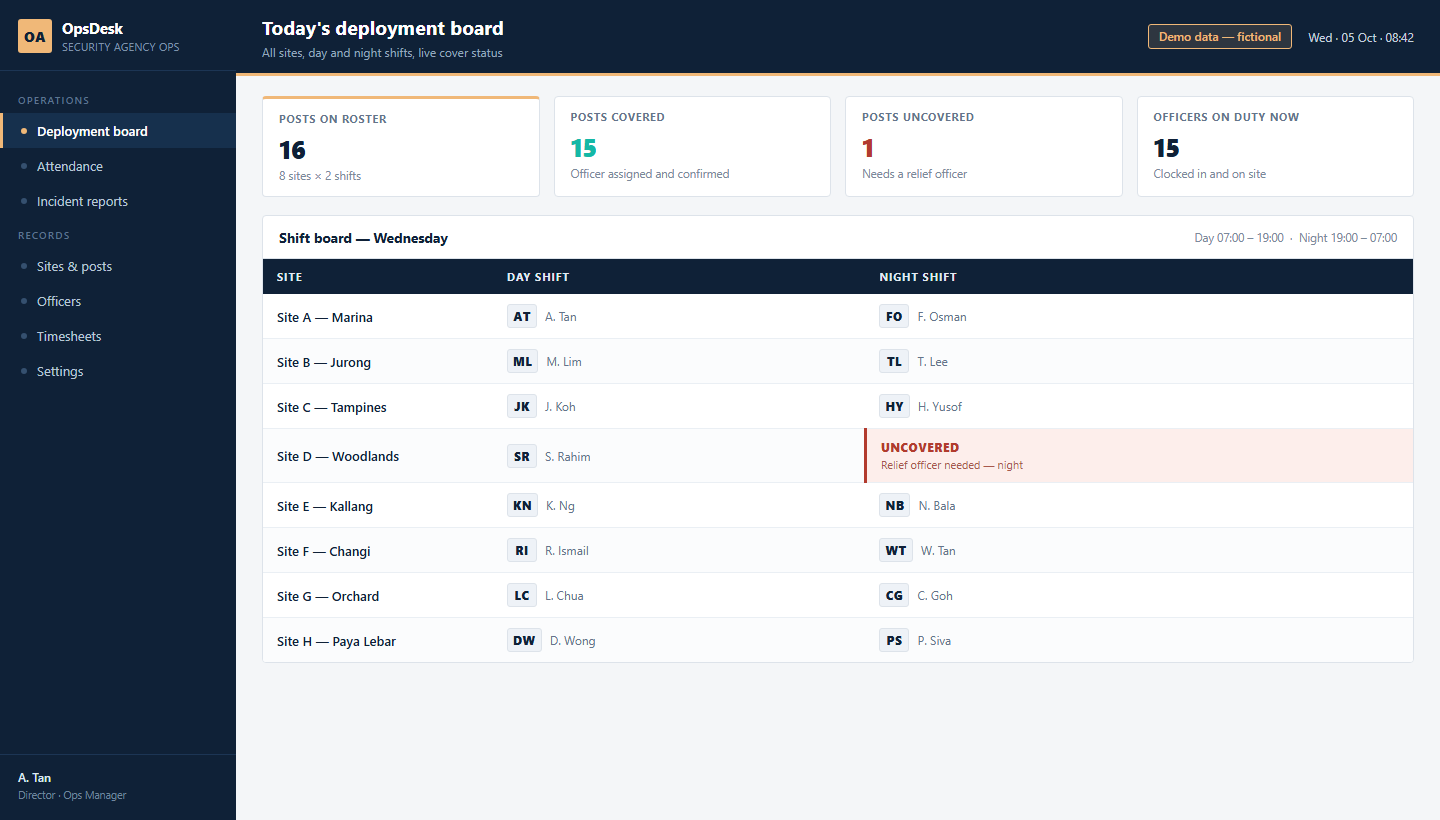
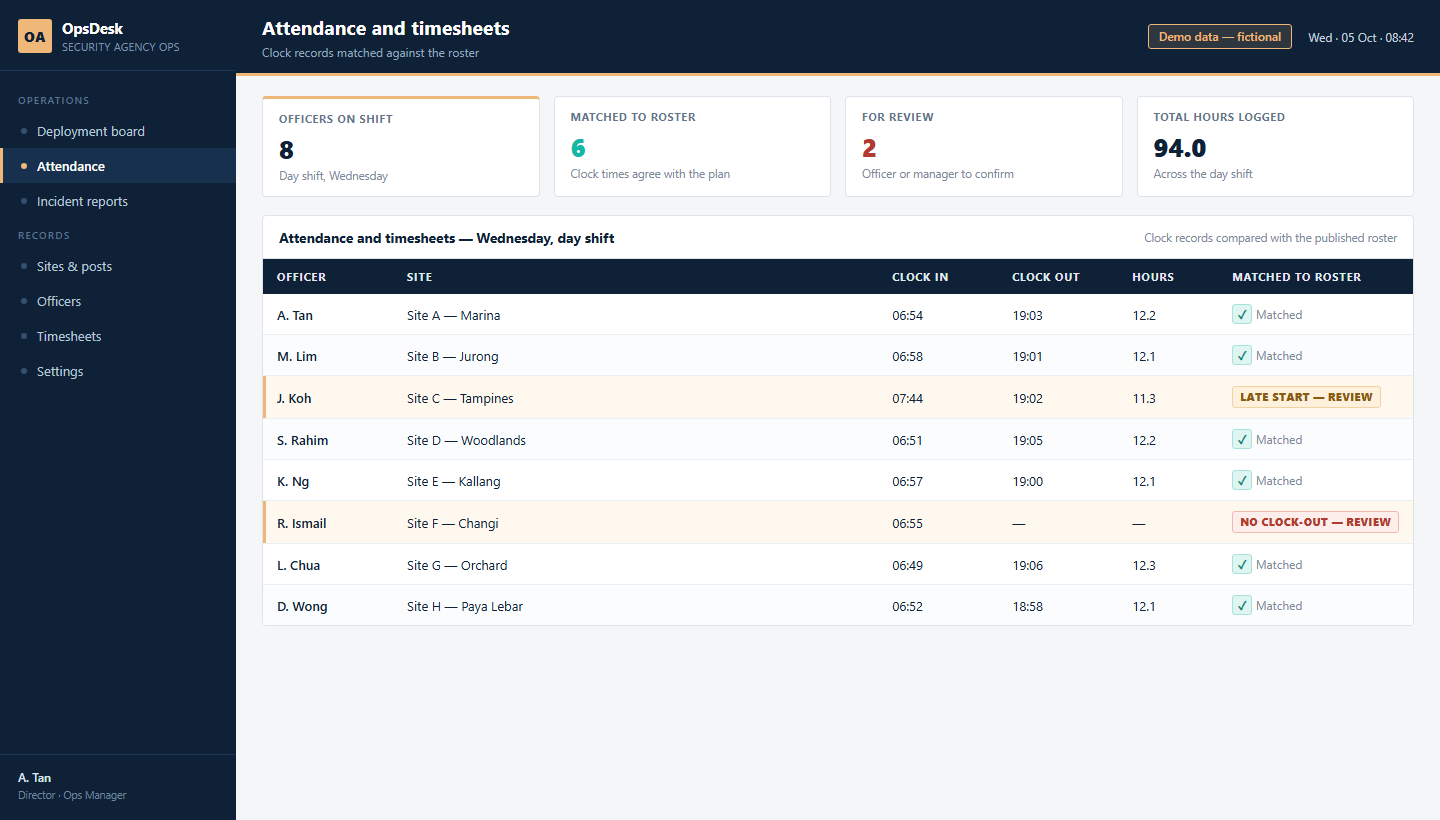
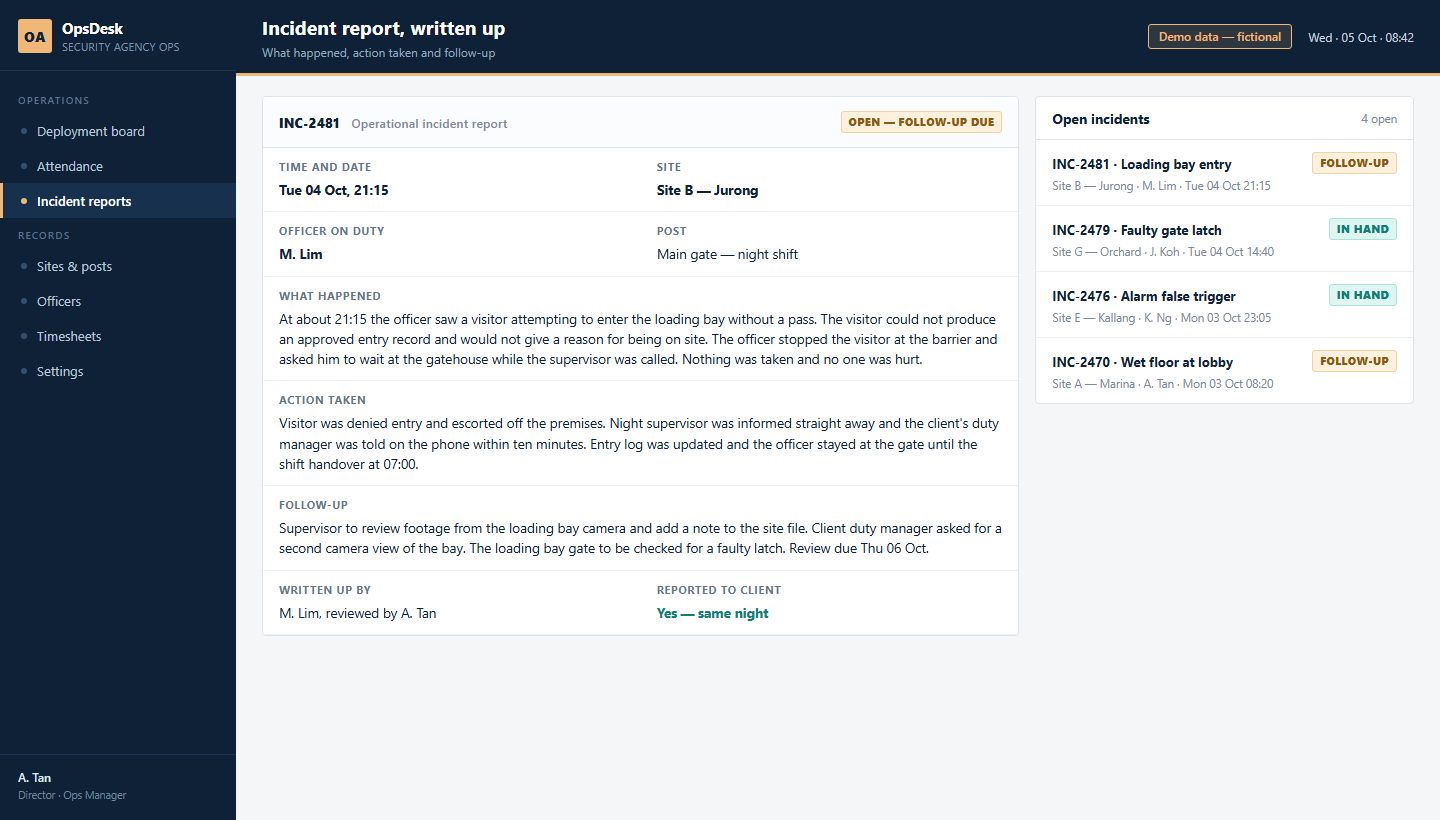
Who is deployed where, for today's shift and tonight's, what has been covered and what is short - then attendance that matches the roster, and incident reports written up in the same place they happen.
Part of the OwnYourAI corporate AI training reference. Who is on which site, today and tonight - the deployment, attendance and incident board an operations team lives on.
A quick look at what you can build: three screens showing the shape of the system and what it does, on illustrative data. No client's system and no client's data is shown. It is fair to want to see the work before you commit a seat.
Three screens
What the people who use it see
Same system, three moments in a working week.
Why the AI version
Why the AI version of operations
A deployment board you already have still needs somebody to fill it in.
- What it costs you now. When an officer goes on leave or MC, the roster is rebuilt by hand, and the uncovered post shows up on the day, in a phone call.
- With the AI version. One sentence - cover next week's shifts and show me what is not covered - and the roster comes back with the gap already marked, before it happens.
- The part your current software cannot do. It holds the rows. This reads the leave, the licence expiry and the post requirements, and does the covering.
Behind the screens
What the course actually builds
The screens are the easy part to look at. This is the part that decides whether the system survives its first month - and all of it runs on your own company server, on your own documents.
- One board, both shifts. Day and night in the same view, so a gap is found before it is a problem.
- Roster against reality. Attendance is compared with what was planned, so the difference is visible the same day.
- Reports that hold up. An incident is written in the five fields an assessor or a client actually reads.
- A person owns each exception. An uncovered post or a missing clock-out is assigned, not just coloured red.
Where these screens come from
A quick look at what you can build: three screens showing the shape of the system and what it does, on illustrative data. No client's system and no client's data is shown.
Built on your own company server, in your own accounts, on your own documents: your information and your data stay with your company.
We keep it fair: your documents, your accounts, your numbers.
Next step
Start with the free AI Readiness Report
Tell us the team and the work. We send back a written report on what to build first, what it would take, and what it would change - before you commit to a single seat.
No fee is quoted until you ask for one.