Reference · Level 2 · one of the five
HR and payroll: the month runs itself, and CPF does not go wrong
Payroll, one place for every employee record, leave and claims, and the statutory filings - with the AI reading your own handbook, employment letters and payroll rules so answers come back with the policy they came from.
Part of the OwnYourAI corporate AI training reference. Payroll, people records, leave, claims and the statutory filings - the HR system a small Singapore company runs on.
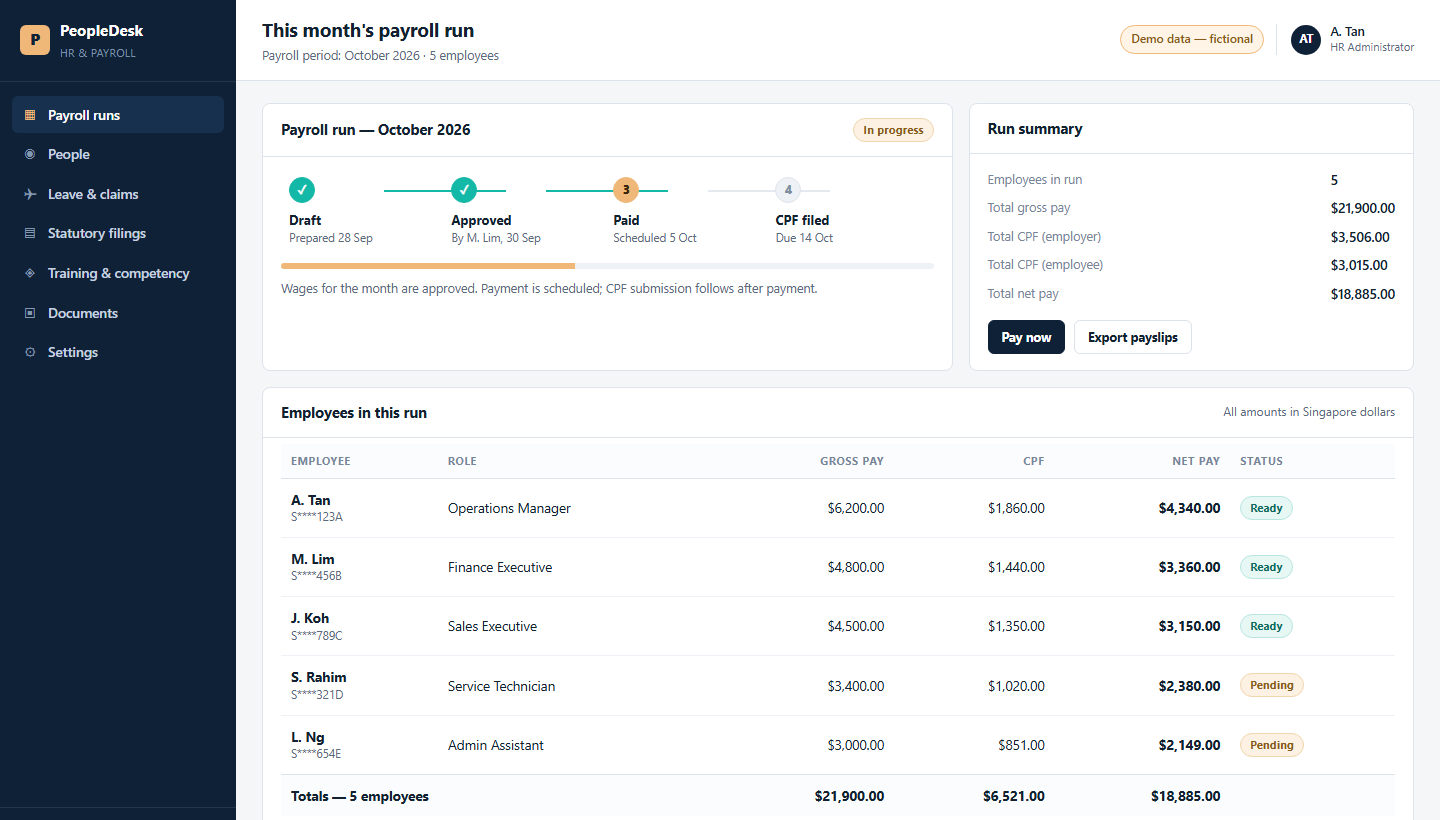
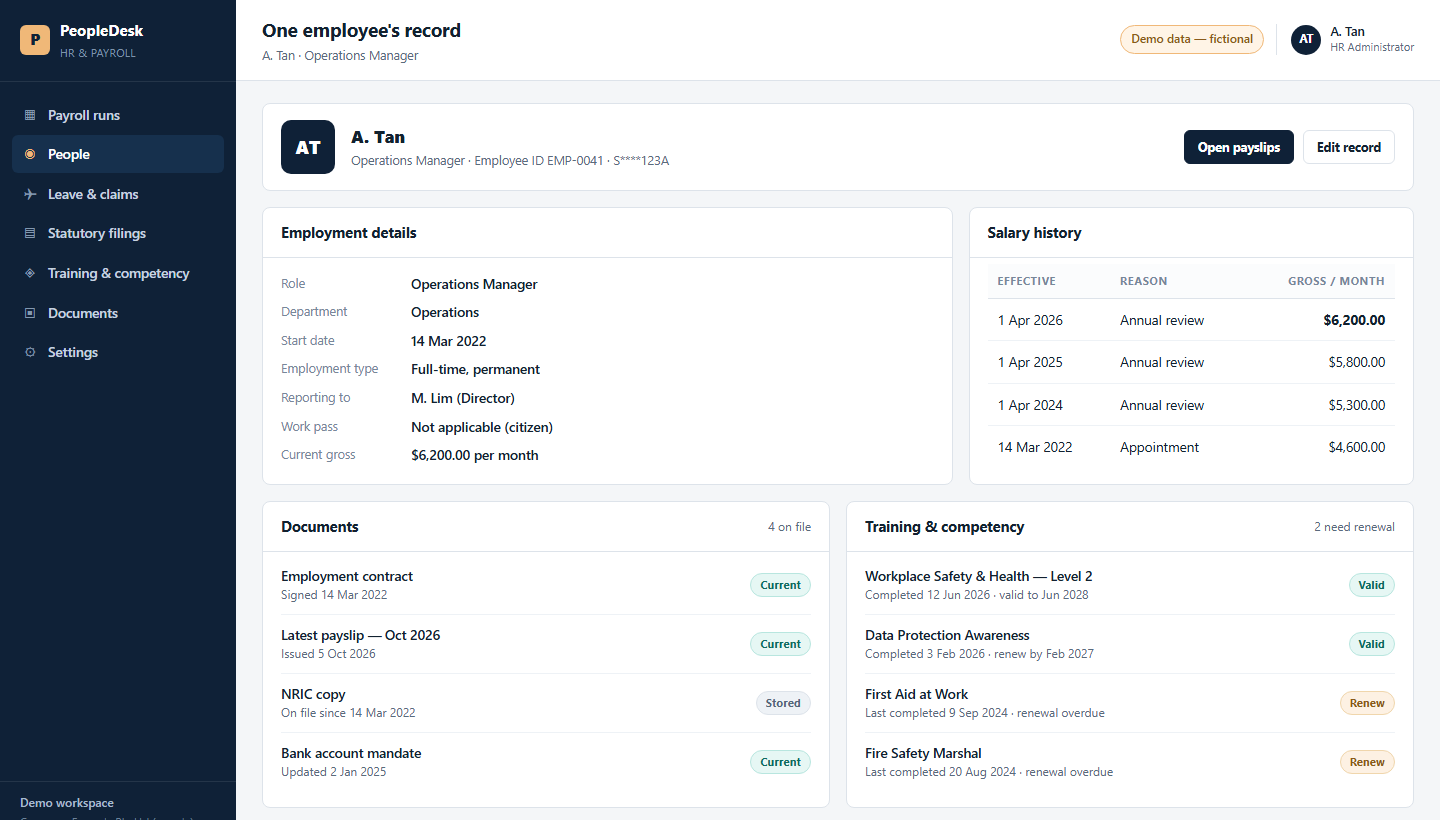
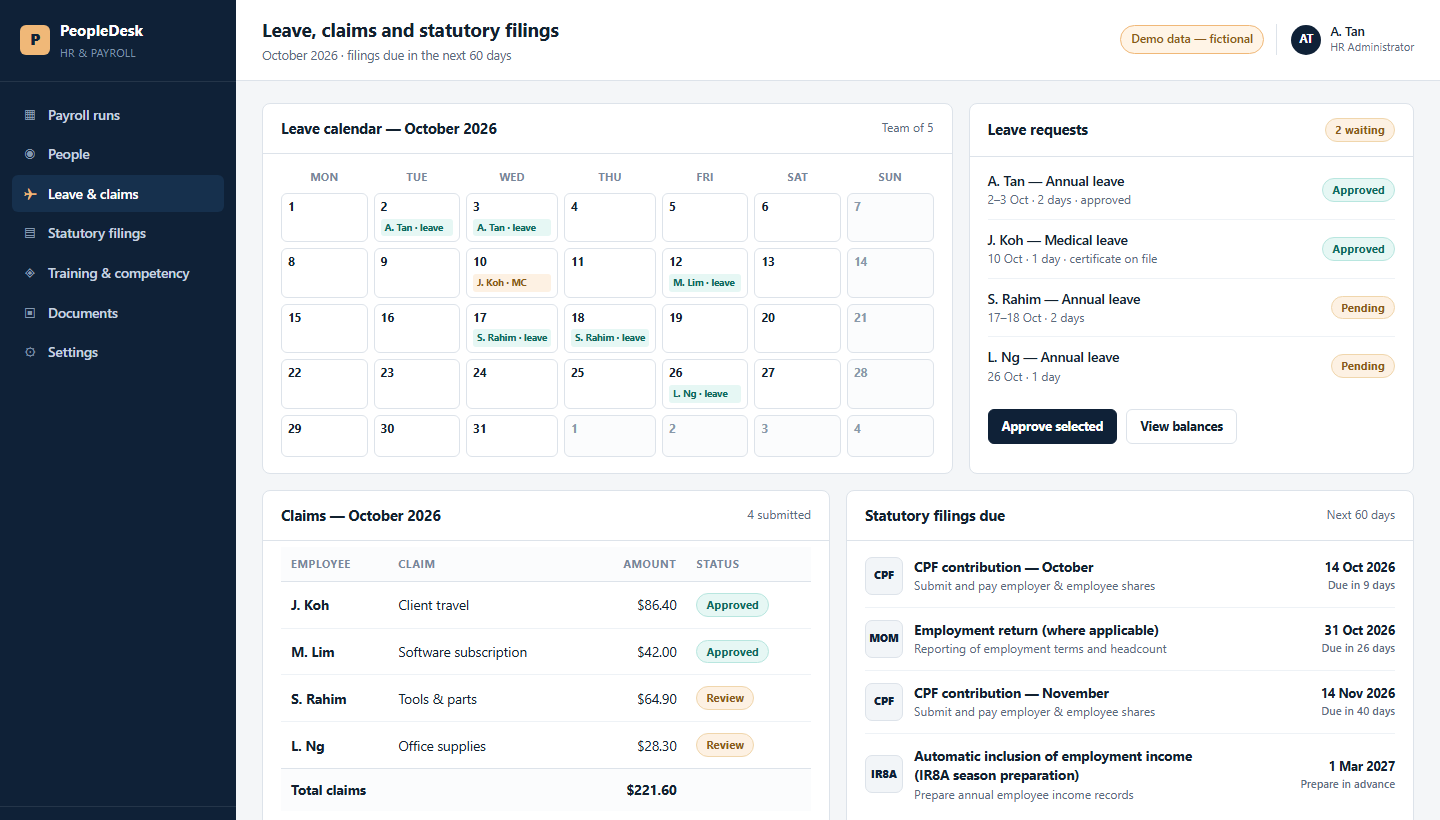
A quick look at what you can build: three screens showing the shape of the system and what it does, on illustrative data. No client's system and no client's data is shown. It is fair to want to see the work before you commit a seat.
Three screens
What the people who use it see
Same system, three moments in a working week.
Why the AI version
Why the AI version of HR
Almost every company already pays for HR software. The payslips still take days.
- What it costs you now. A month's payroll is a three-to-five-day job, and a CPF error is usually found late, by someone who has to re-do it.
- With the AI version. One sentence - prepare last month's payslips and give them to me as a PDF - and the run comes back with CPF worked out and every line checked against the payroll record.
- Measured, not claimed. On our own machine that one sentence produced five payslips, CPF done, as a real PDF, in 1 second - timed 5 Oct 2026 on our own AI rail, with fictional staff. The month's work is the same shape whatever the head-count.
- The part your current software cannot do. It stores the numbers. This reads the timesheet, the leave form and the MC, decides, and produces the payslip.
Behind the screens
What the course actually builds
The screens are the easy part to look at. This is the part that decides whether the system survives its first month - and all of it runs on your own company server, on your own documents.
- Runs where you decide. On your own server or account, with your own staff accounts - not a shared public tool.
- Reads your own paperwork. The handbook, the employment letters, the payroll rules you already follow.
- Answers with the source. Every answer shows the policy or letter it came from, so a manager can check it.
- A person approves. Nothing is paid, filed or sent to an employee without a named person approving it.
Where these screens come from
A quick look at what you can build: three screens showing the shape of the system and what it does, on illustrative data. No client's system and no client's data is shown.
Built on your own company server, in your own accounts, on your own documents: your information and your data stay with your company.
We keep it fair: your documents, your accounts, your numbers.
Next step
Start with the free AI Readiness Report
Tell us the team and the work. We send back a written report on what to build first, what it would take, and what it would change - before you commit to a single seat.
No fee is quoted until you ask for one.